
Mobile engineering
Android, iOS, and the web apps that sit beside them.
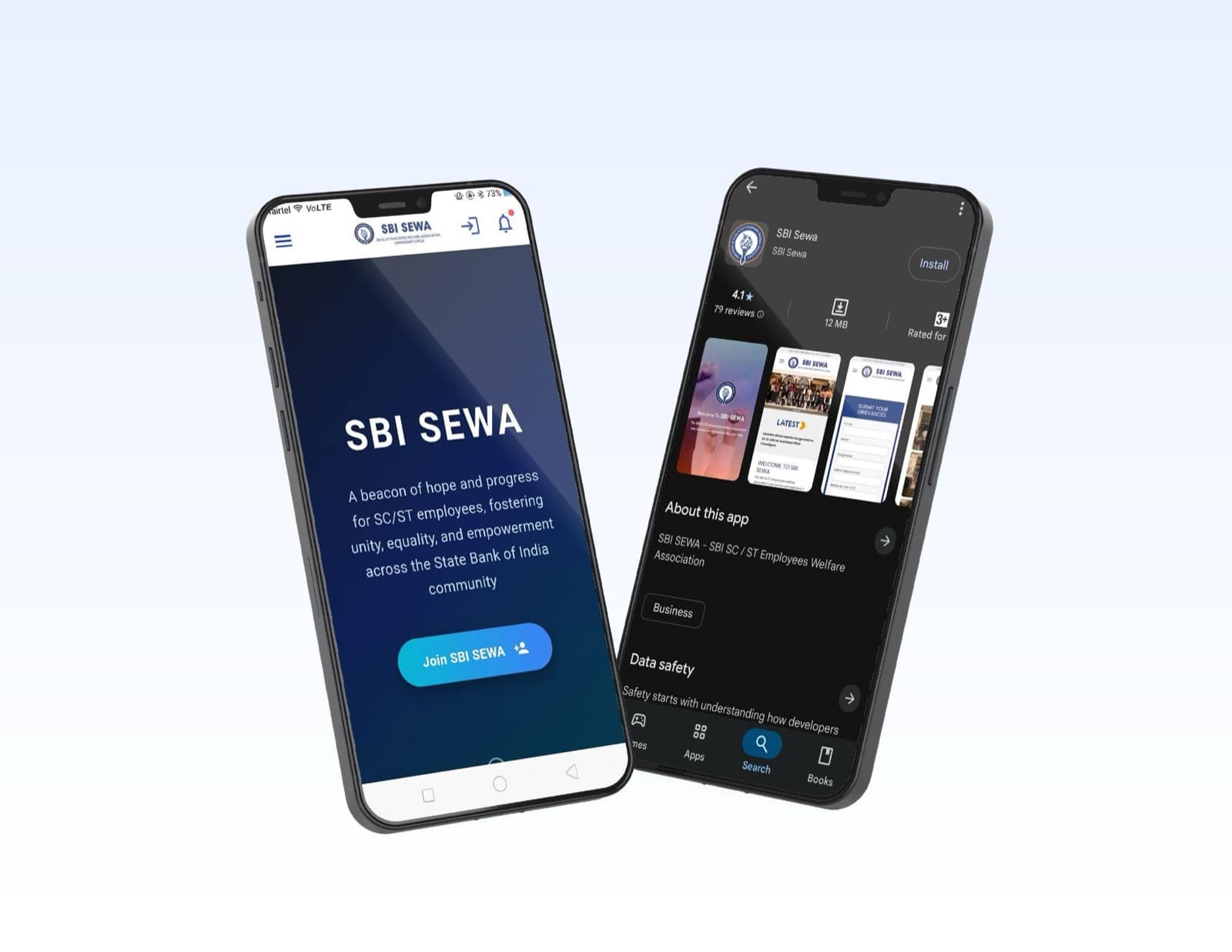
SWS has publicly offered native, hybrid, and web apps, with Android and iOS both named. The public portfolio does not name the individual apps, so this page does not invent a catalogue or an app count.
- Chandigarh studio
- Elvek since 2008
- Reply within one business day
What you get
What we deliver
Android
Named as a core delivery skill on the work page and as a service in its own right.
iOS
Named on the company’s earlier service overview alongside Android.
Native, hybrid, or web
The published offer is to pick the platform that matches the job.
Use before ornament
The public description stresses an interface planned around the task the user came to finish.
A task that left the desktop
Booking, ordering, or checking status when the user is not at a desk.
A companion to a system we already built
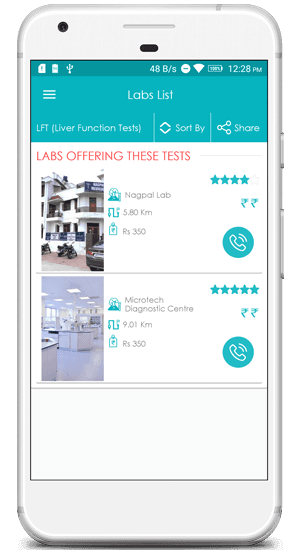
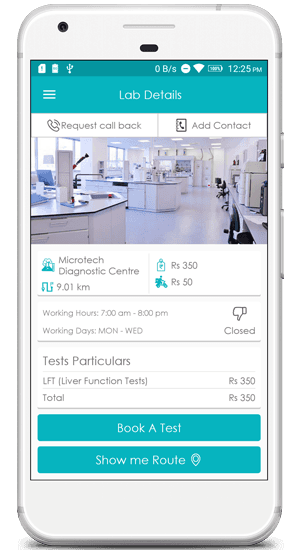
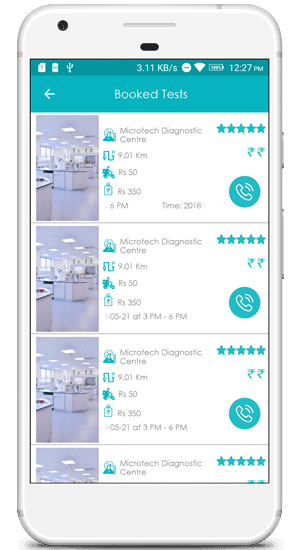
Lab booking, warehouse visibility, or a message to the floor can justify a smaller mobile surface. That link is a conversation, not a claim that those case studies shipped an app.
An app the business can keep
Updates after release are part of the published service, not a surprise invoice.
Want this scoped for your team?
Get a free quoteThe problem
What is getting in the way
- 01
A website is no longer the only counter
The published mobile page frames an app as another place a customer completes a task, not as a trophy.
- 02
The wrong kind of app is expensive
Native, hybrid, and web are all named because the constraint (device features, budget, update speed) should choose the approach.
- 03
Launch is not the end
The same page commits to testing and updates so the app can keep up with the business.
Gallery
Work from this practice
How it runs
How an engagement moves
- 01
Name the task
Who opens the app, what they must finish, and what happens if they fail.
- 02
Pick the container
Native when the device matters. Hybrid or web when reach and upkeep matter more.
- 03
Plan the interface
The published process calls this an intensive UI planning step before build.
- 04
Test, ship, update
Store listing and later updates are treated as part of delivery.
Frequently asked questions
How many apps have you shipped?
Published pages disagree: one says more than 100 apps, and later company notes use a lower mobile figure. Until those definitions match, we do not print a number.
Can I see the apps?
Not from the public record. The featured-app area on the previous mobile page did not name products. We would rather show nothing than show a stand-in interface.
Do you publish to the stores?
The published delivery sequence includes hosting a mobile app on the relevant stores and markets, then maintaining it.
Let's talk
Have a project in mind? Let's talk.
Tell us the goal, the users, and what is already in place. A senior member of our team replies within one business day.